RunAnywhere Flutter SDK Part 2: Speech-to-Text with Whisper
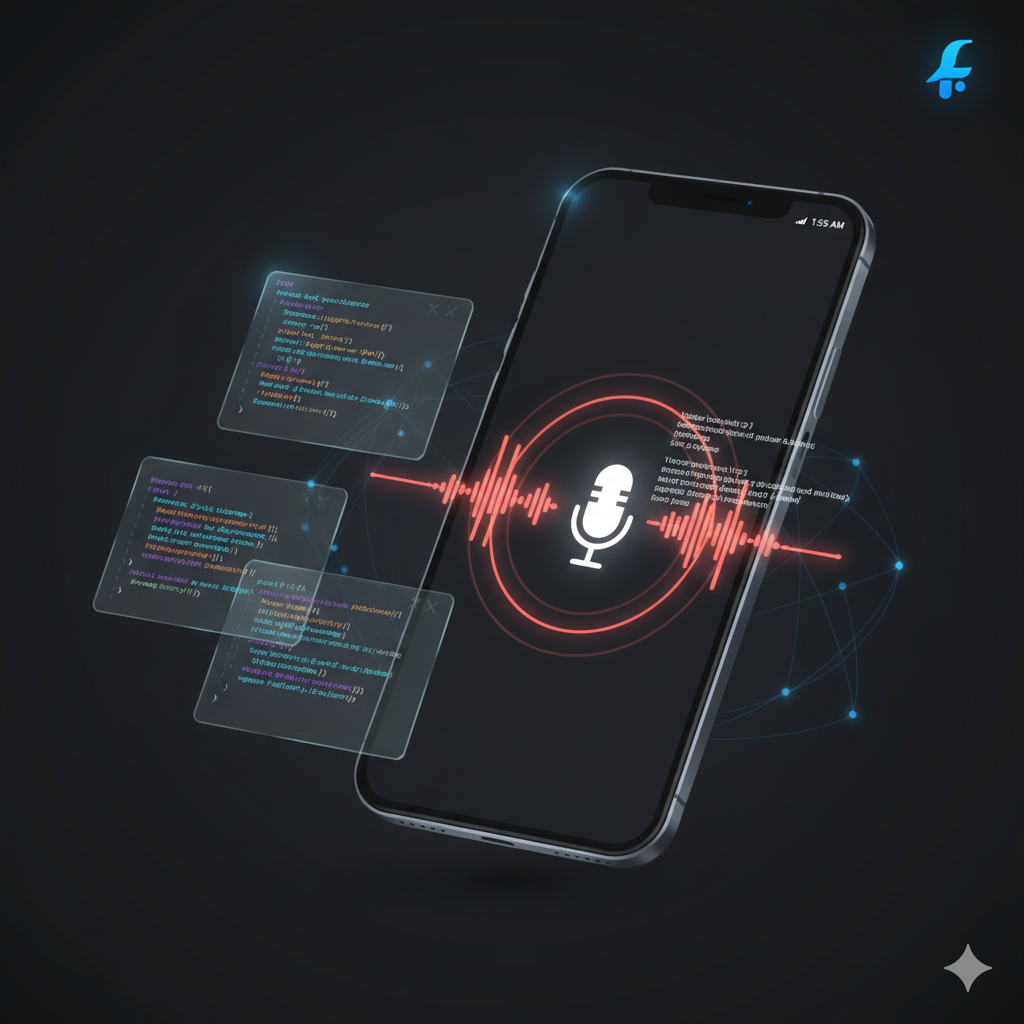
Real-Time Transcription with On-Device Whisper
This is Part 2 of our RunAnywhere Flutter SDK tutorial series:
- Chat with LLMs — Project setup and streaming text generation
- Speech-to-Text (this post) — Real-time transcription with Whisper
- Text-to-Speech — Natural voice synthesis with Piper
- Voice Pipeline — Full voice assistant with VAD
Speech recognition unlocks natural interaction with your app. With RunAnywhere, you can run Whisper entirely on-device—no network requests, no privacy concerns, no API costs—and it works identically on both iOS and Android.
The key challenge in Flutter is handling audio recording across platforms while ensuring the audio format matches what Whisper expects.
Prerequisites
- Complete Part 1 first to set up your project with the RunAnywhere SDK
- Physical device required — iOS Simulator and Android emulator have limited microphone support
- ~75MB additional storage for the Whisper model
Opening Speech-to-Text from the chat screen
Once you add the STT screen (later in this post), users need a way to reach it. Add a mic icon in the chat AppBar in lib/features/chat/chat_view.dart that pushes the Speech-to-Text screen. No new routes or bottom nav—just one button; the system back button returns to chat.
1. Import
Add this import (adjust the path if your STT view lives elsewhere):
1import '../stt/speech_to_text_view.dart';
2. AppBar actions
Replace the existing chat AppBar:
1appBar: AppBar(2 title: const Text('On-Device Chat'),3),
with:
1appBar: AppBar(2 title: const Text('On-Device Chat'),3 actions: [4 IconButton(5 icon: const Icon(Icons.mic),6 onPressed: () => Navigator.of(context).push(7 MaterialPageRoute(8 builder: (context) => const SpeechToTextView(),9 ),10 ),11 tooltip: 'Speech to Text',12 ),13 ],14),
Register the STT Model
Add Whisper to your model registration in your initialization code:
1// Register STT model (Whisper)2RunAnywhere.registerModel(3 id: 'sherpa-onnx-whisper-tiny.en',4 name: 'Whisper Tiny English',5 url: 'https://github.com/RunanywhereAI/sherpa-onnx/releases/download/runanywhere-models-v1/sherpa-onnx-whisper-tiny.en.tar.gz',6 framework: InferenceFramework.onnx,7 modality: ModelCategory.speechRecognition,8 artifactType: ArtifactType.tarGzArchive,9 memoryRequirement: 75000000,10);
Critical: Audio Format Requirements
Whisper requires a very specific audio format:
| Parameter | Required Value |
|---|---|
| Sample Rate | 16,000 Hz |
| Channels | 1 (mono) |
| Format | 16-bit signed integer (Int16) PCM |
Most mobile recording libraries default to higher sample rates. You MUST configure recording correctly.
Setting Up Audio Recording
Add the record package to your pubspec.yaml:
1dependencies:2 record: ^6.2.03 path_provider: ^2.1.0
Create lib/services/audio_recording_service.dart:
1import 'dart:typed_data';2import 'package:flutter/foundation.dart';3import 'package:record/record.dart';4import 'package:path_provider/path_provider.dart';5import 'dart:io';67class AudioRecordingService {8 final AudioRecorder _recorder = AudioRecorder();9 String? _currentRecordingPath;1011 /// Check and request microphone permission12 Future<bool> requestPermission() async {13 return await _recorder.hasPermission();14 }1516 /// Start recording with Whisper-compatible settings17 Future<void> startRecording() async {18 final hasPermission = await requestPermission();19 if (!hasPermission) {20 throw Exception('Microphone permission denied');21 }2223 final directory = await getTemporaryDirectory();24 _currentRecordingPath = '${directory.path}/recording_${DateTime.now().millisecondsSinceEpoch}.wav';2526 // Configure for Whisper: 16kHz, mono, PCM1627 await _recorder.start(28 RecordConfig(29 encoder: AudioEncoder.pcm16bits, // 16-bit PCM30 sampleRate: 16000, // 16kHz required by Whisper31 numChannels: 1, // Mono32 bitRate: 256000,33 ),34 path: _currentRecordingPath!,35 );3637 debugPrint('Recording started: $_currentRecordingPath');38 }3940 /// Stop recording and return the audio bytes41 Future<Uint8List?> stopRecording() async {42 final path = await _recorder.stop();4344 if (path == null || path.isEmpty) {45 debugPrint('Recording stopped but no file created');46 return null;47 }4849 final file = File(path);50 if (await file.exists()) {51 final bytes = await file.readAsBytes();52 debugPrint('Recording stopped: ${bytes.length} bytes');5354 // Clean up temp file55 await file.delete();5657 return bytes;58 }5960 return null;61 }6263 /// Check if currently recording64 Future<bool> isRecording() async {65 return await _recorder.isRecording();66 }6768 /// Dispose of resources69 void dispose() {70 _recorder.dispose();71 }72}
Important: The
pcm16bitsencoder and 16kHz sample rate are non-negotiable. Sending audio in a different format will produce garbage output or crash.
Loading and Using STT
1// Download the model (one-time, ~75MB)2final isDownloaded = await RunAnywhere.isModelDownloaded('sherpa-onnx-whisper-tiny.en');34if (!isDownloaded) {5 await for (final progress in RunAnywhere.downloadModel('sherpa-onnx-whisper-tiny.en')) {6 debugPrint('Download: ${(progress.percentage * 100).toStringAsFixed(1)}%');7 if (progress.state.isCompleted) break;8 }9}1011// Load STT model into memory12await RunAnywhere.loadSTTModel('sherpa-onnx-whisper-tiny.en');
Why
loadSTTModel()instead ofloadLLMModel()? The SDK uses separate methods for each modality:loadLLMModel()for LLMs,loadSTTModel()for speech-to-text, andloadTTSVoice()for text-to-speech. This reflects that each uses a different runtime (LlamaCPP vs ONNX) and can be loaded simultaneously without conflicts.
Complete STT View
Create lib/features/stt/speech_to_text_view.dart:
1import 'package:flutter/material.dart';2import 'package:runanywhere/runanywhere.dart';3import '../../services/audio_recording_service.dart';45class SpeechToTextView extends StatefulWidget {6 const SpeechToTextView({super.key});78 @override9 State<SpeechToTextView> createState() => _SpeechToTextViewState();10}1112class _SpeechToTextViewState extends State<SpeechToTextView> {13 final AudioRecordingService _audioService = AudioRecordingService();1415 bool _isRecording = false;16 bool _isTranscribing = false;17 bool _isModelLoaded = false;18 String _transcription = '';19 double _downloadProgress = 0.0;2021 @override22 void initState() {23 super.initState();24 _loadModel();25 }2627 Future<void> _loadModel() async {28 const modelId = 'sherpa-onnx-whisper-tiny.en';2930 final isDownloaded = await RunAnywhere.isModelDownloaded(modelId);3132 if (!isDownloaded) {33 await for (final progress in RunAnywhere.downloadModel(modelId)) {34 setState(() {35 _downloadProgress = progress.percentage;36 });37 if (progress.state.isCompleted) break;38 }39 }4041 await RunAnywhere.loadSTTModel(modelId);42 setState(() {43 _isModelLoaded = true;44 });45 }4647 Future<void> _toggleRecording() async {48 if (_isRecording) {49 await _stopAndTranscribe();50 } else {51 await _startRecording();52 }53 }5455 Future<void> _startRecording() async {56 try {57 await _audioService.startRecording();58 setState(() {59 _isRecording = true;60 _transcription = '';61 });62 } catch (e) {63 ScaffoldMessenger.of(context).showSnackBar(64 SnackBar(content: Text('Failed to start recording: $e')),65 );66 }67 }6869 Future<void> _stopAndTranscribe() async {70 setState(() {71 _isRecording = false;72 _isTranscribing = true;73 });7475 try {76 final audioBytes = await _audioService.stopRecording();7778 if (audioBytes != null && audioBytes.isNotEmpty) {79 final text = await RunAnywhere.transcribe(audioBytes);80 setState(() {81 _transcription = text;82 });83 } else {84 setState(() {85 _transcription = 'No audio recorded';86 });87 }88 } catch (e) {89 setState(() {90 _transcription = 'Error: $e';91 });92 } finally {93 setState(() {94 _isTranscribing = false;95 });96 }97 }9899 @override100 void dispose() {101 _audioService.dispose();102 super.dispose();103 }104105 @override106 Widget build(BuildContext context) {107 return Scaffold(108 appBar: AppBar(109 title: const Text('Speech to Text'),110 ),111 body: Padding(112 padding: const EdgeInsets.all(24),113 child: Column(114 mainAxisAlignment: MainAxisAlignment.center,115 children: [116 // Status indicator117 if (!_isModelLoaded)118 Column(119 children: [120 const Text('Downloading model...'),121 const SizedBox(height: 8),122 LinearProgressIndicator(value: _downloadProgress),123 ],124 ),125126 // Transcription display127 Container(128 width: double.infinity,129 padding: const EdgeInsets.all(16),130 constraints: const BoxConstraints(minHeight: 100),131 decoration: BoxDecoration(132 color: Colors.grey[900],133 borderRadius: BorderRadius.circular(12),134 ),135 child: Text(136 _transcription.isEmpty137 ? 'Tap the microphone to record...'138 : _transcription,139 style: const TextStyle(fontSize: 16),140 ),141 ),142143 const SizedBox(height: 48),144145 // Record button146 GestureDetector(147 onTap: _isModelLoaded && !_isTranscribing ? _toggleRecording : null,148 child: Container(149 width: 100,150 height: 100,151 decoration: BoxDecoration(152 shape: BoxShape.circle,153 color: _isRecording ? Colors.red : Colors.blue,154 ),155 child: Icon(156 _isRecording ? Icons.stop : Icons.mic,157 size: 48,158 color: Colors.white,159 ),160 ),161 ),162163 const SizedBox(height: 16),164165 if (_isTranscribing)166 const Row(167 mainAxisAlignment: MainAxisAlignment.center,168 children: [169 SizedBox(170 width: 16,171 height: 16,172 child: CircularProgressIndicator(strokeWidth: 2),173 ),174 SizedBox(width: 8),175 Text('Transcribing...'),176 ],177 ),178 ],179 ),180 ),181 );182 }183}
Memory Management
When you're done with STT, unload the model to free memory:
1// Unload STT model2await RunAnywhere.unloadSTTModel();
STT models can be loaded independently alongside the LLM—they don't conflict.
Platform Permissions
iOS
Add to ios/Runner/Info.plist:
1<key>NSMicrophoneUsageDescription</key>2<string>This app needs microphone access to transcribe your speech using on-device AI.</string>
Android
Add to android/app/src/main/AndroidManifest.xml:
1<uses-permission android:name="android.permission.RECORD_AUDIO" />
Models Reference
| Model ID | Size | Notes |
|---|---|---|
sherpa-onnx-whisper-tiny.en | ~75MB | English, real-time capable |
Completed Speech-to-Text screen

What's Next
In Part 3, we'll add text-to-speech with Piper, including how to handle the audio output for playback across both platforms.
Resources
Frequently Asked Questions
Microphone permission is denied. How do I fix it?
STT does not work on the iOS Simulator or Android emulator.
Transcription returns garbage text or the app crashes during transcription.
Recording fails to start or throws an exception.
The Whisper model download hangs or is very slow.
I used loadLLMModel() for Whisper and it failed.
Transcription returns empty text even though I spoke clearly.
Which version of the record package should I use?
Can I load the STT model alongside the LLM?
How much additional RAM does the Whisper model use?
Questions? Open an issue on GitHub or reach out on Twitter/X.