RunAnywhere Swift SDK Part 2: Speech-to-Text with Whisper
 DEVELOPERS
Real-Time Transcription with On-Device Whisper
This is Part 2 of our RunAnywhere Swift SDK tutorial series:
- Chat with LLMs — Project setup and streaming text generation
- Speech-to-Text (this post) — Real-time transcription with Whisper
- Text-to-Speech — Natural voice synthesis with Piper
- Voice Pipeline — Full voice assistant with VAD
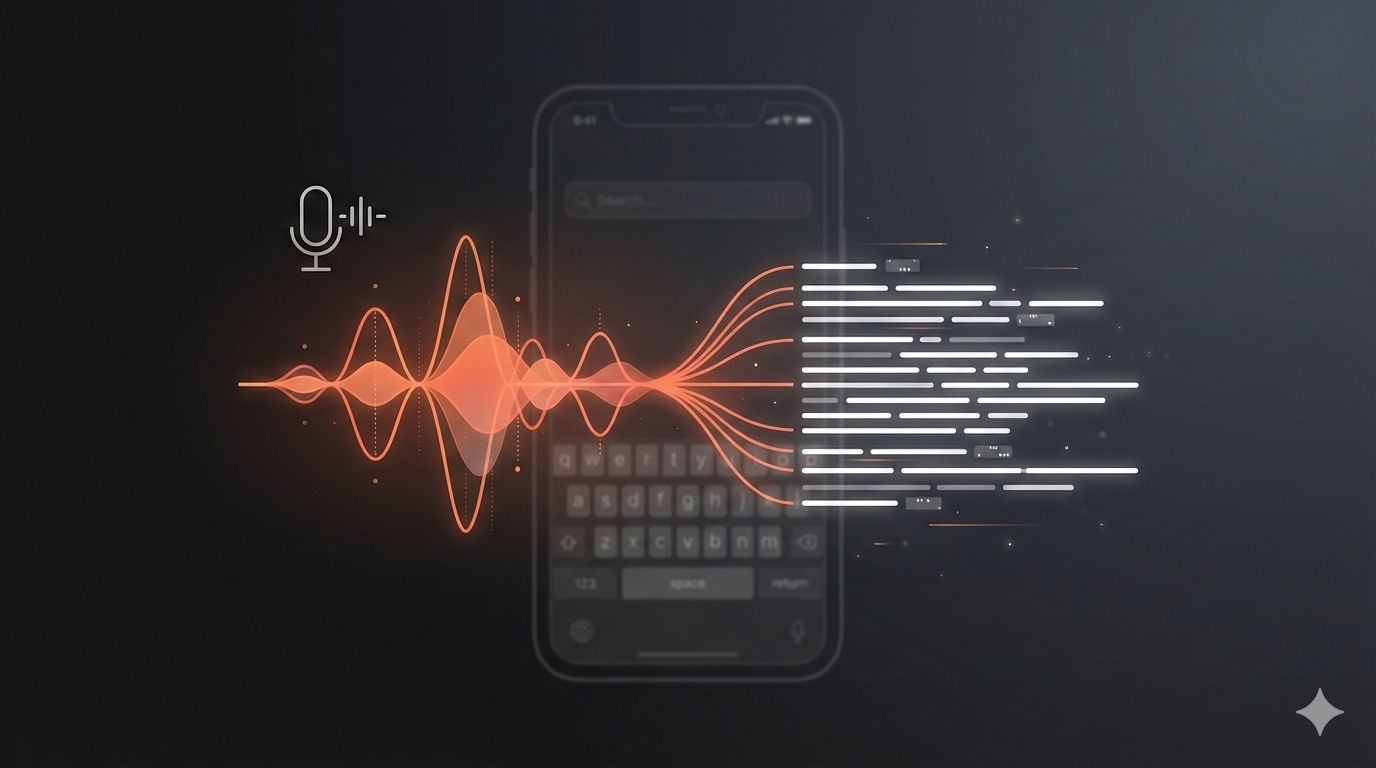
Speech recognition unlocks natural interaction with your app. With RunAnywhere, you can run Whisper entirely on-device—no network requests, no privacy concerns, no API costs.
But there's a catch that trips up most developers: audio format conversion. iOS microphones don't output audio in the format Whisper expects. This tutorial covers both the API and the critical audio handling.
Prerequisites
- Complete Part 1 first to set up your project with the RunAnywhere SDK
- Physical iOS device required — the iOS Simulator doesn't have microphone access
- ~75MB additional storage for the Whisper model
Register the STT Model
Add Whisper to your model registration:
1// Register STT model (Whisper)2RunAnywhere.registerModel(3 id: "sherpa-onnx-whisper-tiny.en",4 name: "Whisper Tiny English",5 url: URL(string: "https://github.com/RunanywhereAI/sherpa-onnx/releases/download/runanywhere-models-v1/sherpa-onnx-whisper-tiny.en.tar.gz")!,6 framework: .onnx,7 modality: .speechRecognition,8 artifactType: .archive(.tarGz, structure: .nestedDirectory),9 memoryRequirement: 75_000_00010)
Critical: Audio Format Requirements
This is where most tutorials fail you. Whisper requires a very specific audio format:
| Parameter | Required Value |
|---|---|
| Sample Rate | 16,000 Hz |
| Channels | 1 (mono) |
| Format | 16-bit signed integer (Int16) PCM |
But iOS microphones record at 48,000 Hz in Float32 format. You MUST resample.
Setting Up Audio Conversion
1import AVFoundation23class AudioService: ObservableObject {4 private let audioEngine = AVAudioEngine()5 private var audioConverter: AVAudioConverter?6 private let dataLock = NSLock() // Thread safety for audio callbacks7 private var recordedData = Data()89 private let targetFormat = AVAudioFormat(10 commonFormat: .pcmFormatInt16,11 sampleRate: 16000,12 channels: 1,13 interleaved: true14 )!1516 enum AudioError: Error {17 case converterCreationFailed18 case engineStartFailed19 }2021 func startRecording() throws {22 let session = AVAudioSession.sharedInstance()23 try session.setCategory(.playAndRecord, mode: .default)24 try session.setActive(true)2526 let inputNode = audioEngine.inputNode27 let inputFormat = inputNode.outputFormat(forBus: 0) // Usually 48kHz Float322829 // Create converter from iOS format to Whisper format30 guard let converter = AVAudioConverter(from: inputFormat, to: targetFormat) else {31 throw AudioError.converterCreationFailed32 }33 audioConverter = converter3435 dataLock.lock()36 recordedData = Data()37 dataLock.unlock()3839 inputNode.installTap(onBus: 0, bufferSize: 4096, format: inputFormat) { [weak self] buffer, _ in40 self?.processAudioBuffer(buffer)41 }4243 try audioEngine.start()44 }4546 private func processAudioBuffer(_ inputBuffer: AVAudioPCMBuffer) {47 guard let converter = audioConverter else { return }4849 // Calculate output frame count based on sample rate ratio50 let ratio = targetFormat.sampleRate / inputBuffer.format.sampleRate51 let outputFrameCount = AVAudioFrameCount(Double(inputBuffer.frameLength) * ratio)5253 guard let outputBuffer = AVAudioPCMBuffer(54 pcmFormat: targetFormat,55 frameCapacity: outputFrameCount56 ) else { return }5758 var error: NSError?59 let status = converter.convert(to: outputBuffer, error: &error) { inNumPackets, outStatus in60 outStatus.pointee = .haveData61 return inputBuffer62 }6364 if status == .haveData, let int16Data = outputBuffer.int16ChannelData {65 let data = Data(bytes: int16Data[0], count: Int(outputBuffer.frameLength) * 2)66 // Thread-safe append (audio callback runs on audio thread)67 dataLock.lock()68 recordedData.append(data)69 dataLock.unlock()70 }71 }7273 func stopRecording() -> Data {74 audioEngine.stop()75 audioEngine.inputNode.removeTap(onBus: 0)7677 dataLock.lock()78 let data = recordedData79 dataLock.unlock()8081 // Deactivate audio session when done82 try? AVAudioSession.sharedInstance().setActive(false)8384 return data85 }86}
Important: The resampling step is non-negotiable. Sending 48kHz audio to Whisper will produce garbage output or crash.
Thread Safety: The
processAudioBuffercallback runs on the audio thread, not the main thread. We useNSLockto safely append data. In production, consider using a lock-free ring buffer for better performance.
Loading and Using STT
1// Download the model (one-time, ~75MB)2if !(await RunAnywhere.isModelDownloaded("sherpa-onnx-whisper-tiny.en")) {3 let progressStream = try await RunAnywhere.downloadModel("sherpa-onnx-whisper-tiny.en")4 for await progress in progressStream {5 print("Download: \(Int(progress.overallProgress * 100))%")6 if progress.stage == .completed { break }7 }8}910// Load STT model into memory11try await RunAnywhere.loadSTTModel("sherpa-onnx-whisper-tiny.en")1213// Transcribe audio data (must be 16kHz Int16 PCM!)14let audioData = audioService.stopRecording()15let text = try await RunAnywhere.transcribe(audioData)16print("Transcription: \(text)")
Why
loadSTTModel()instead ofloadModel()? The SDK uses separate methods for each modality:loadModel()for LLMs,loadSTTModel()for speech-to-text, andloadTTSVoice()for text-to-speech. This reflects that each uses a different runtime (LlamaCPP vs ONNX) and can be loaded simultaneously without conflicts.

Complete Recording Flow
Here's how to wire it up in a SwiftUI view:
1struct SpeechToTextView: View {2 @StateObject private var audioService = AudioService()3 @State private var isRecording = false4 @State private var transcription = ""5 @State private var isTranscribing = false67 var body: some View {8 VStack(spacing: 24) {9 // Transcription display10 Text(transcription.isEmpty ? "Tap to record..." : transcription)11 .font(.body)12 .padding()13 .frame(maxWidth: .infinity, minHeight: 100)14 .background(Color.secondary.opacity(0.1))15 .cornerRadius(12)1617 // Record button18 Button(action: toggleRecording) {19 Image(systemName: isRecording ? "stop.circle.fill" : "mic.circle.fill")20 .font(.system(size: 64))21 .foregroundColor(isRecording ? .red : .blue)22 }23 .disabled(isTranscribing)2425 if isTranscribing {26 ProgressView("Transcribing...")27 }28 }29 .padding()30 }3132 private func toggleRecording() {33 if isRecording {34 stopAndTranscribe()35 } else {36 startRecording()37 }38 }3940 private func startRecording() {41 do {42 try audioService.startRecording()43 isRecording = true44 } catch {45 print("Failed to start recording: \(error)")46 }47 }4849 private func stopAndTranscribe() {50 isRecording = false51 let audioData = audioService.stopRecording()5253 Task {54 isTranscribing = true55 do {56 transcription = try await RunAnywhere.transcribe(audioData)57 } catch {58 transcription = "Error: \(error.localizedDescription)"59 }60 isTranscribing = false61 }62 }63}
Memory Management
When you're done with STT, unload the model to free memory:
1// Unload STT model (no parameters needed)2try await RunAnywhere.unloadSTTModel()
STT models can be loaded independently alongside the LLM—they don't conflict.
Models Reference
| Model ID | Size | Notes |
|---|---|---|
sherpa-onnx-whisper-tiny.en | ~75MB | English, real-time capable |
What's Next
In Part 3, we'll add text-to-speech with Piper, including the inverse audio conversion challenge.
Resources
Questions? Open an issue on GitHub or reach out on Twitter/X.